Your whole listing. One style. Staged in minutes.
AI staging tools stage one photo at a time — furniture changes between shots. StageOnce locks one furniture collection across your entire listing, so every room looks staged by the same designer.
Stage a photo, free
Upload one room photo, pick a style, and see the result in under a minute.
Drag and drop a room photo, or click to browse
JPEG or PNG. Processed in your browser before upload.
Real renders, not mockups
See all examples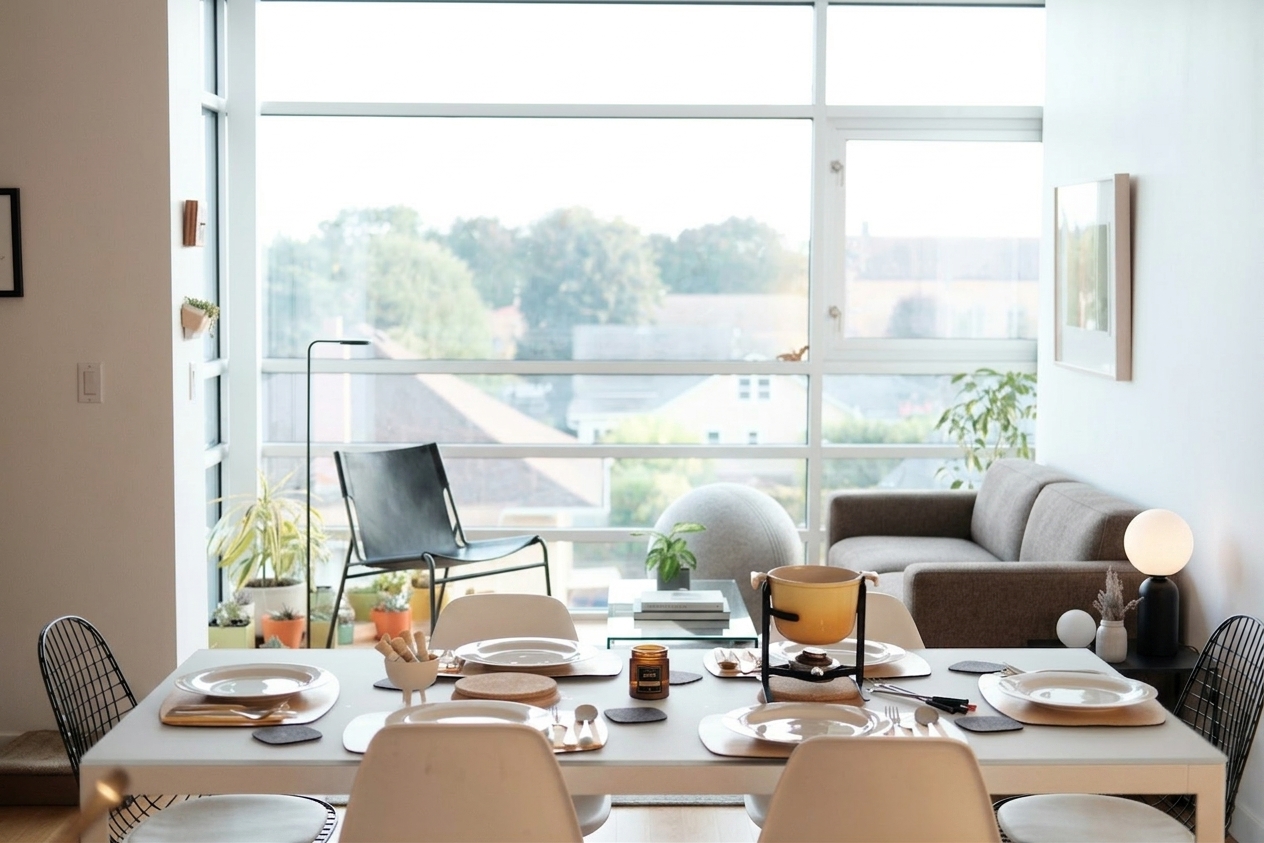
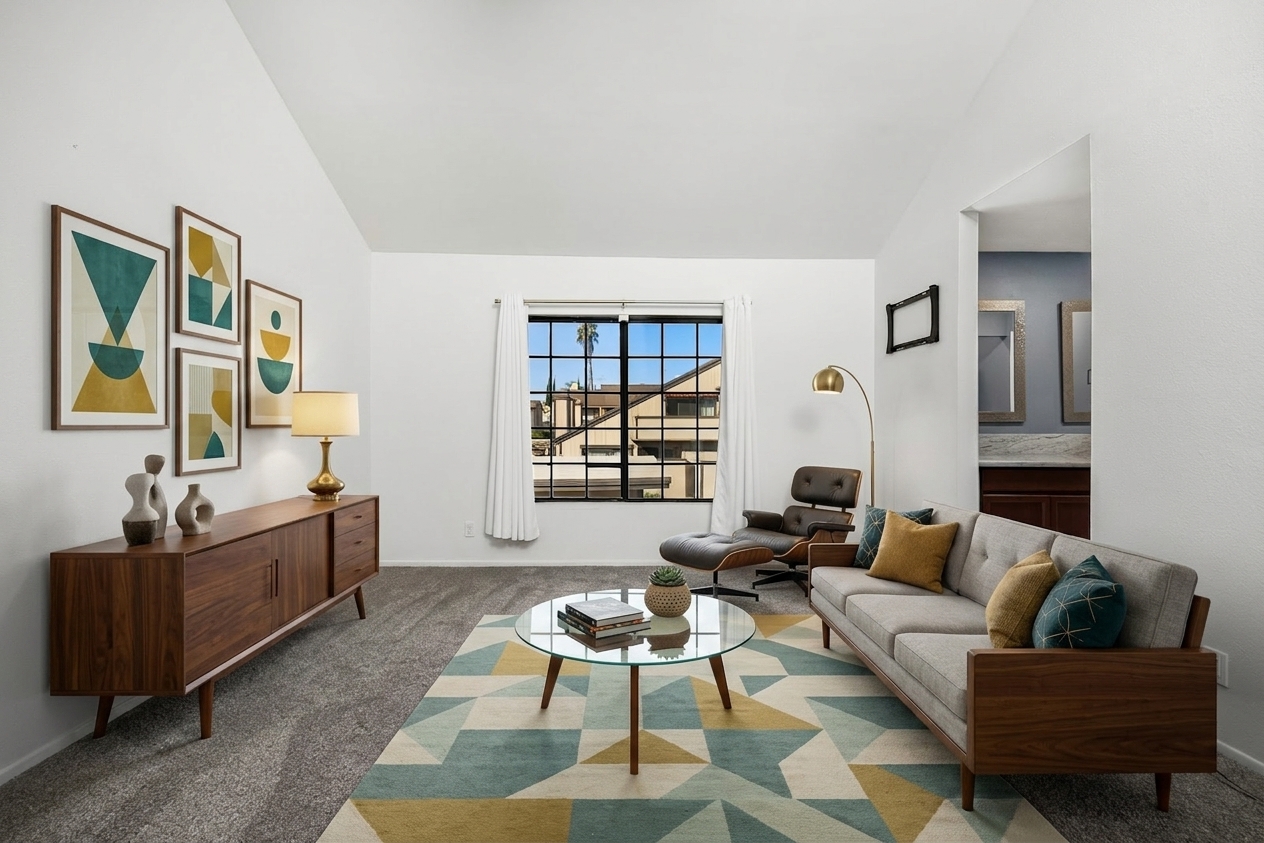
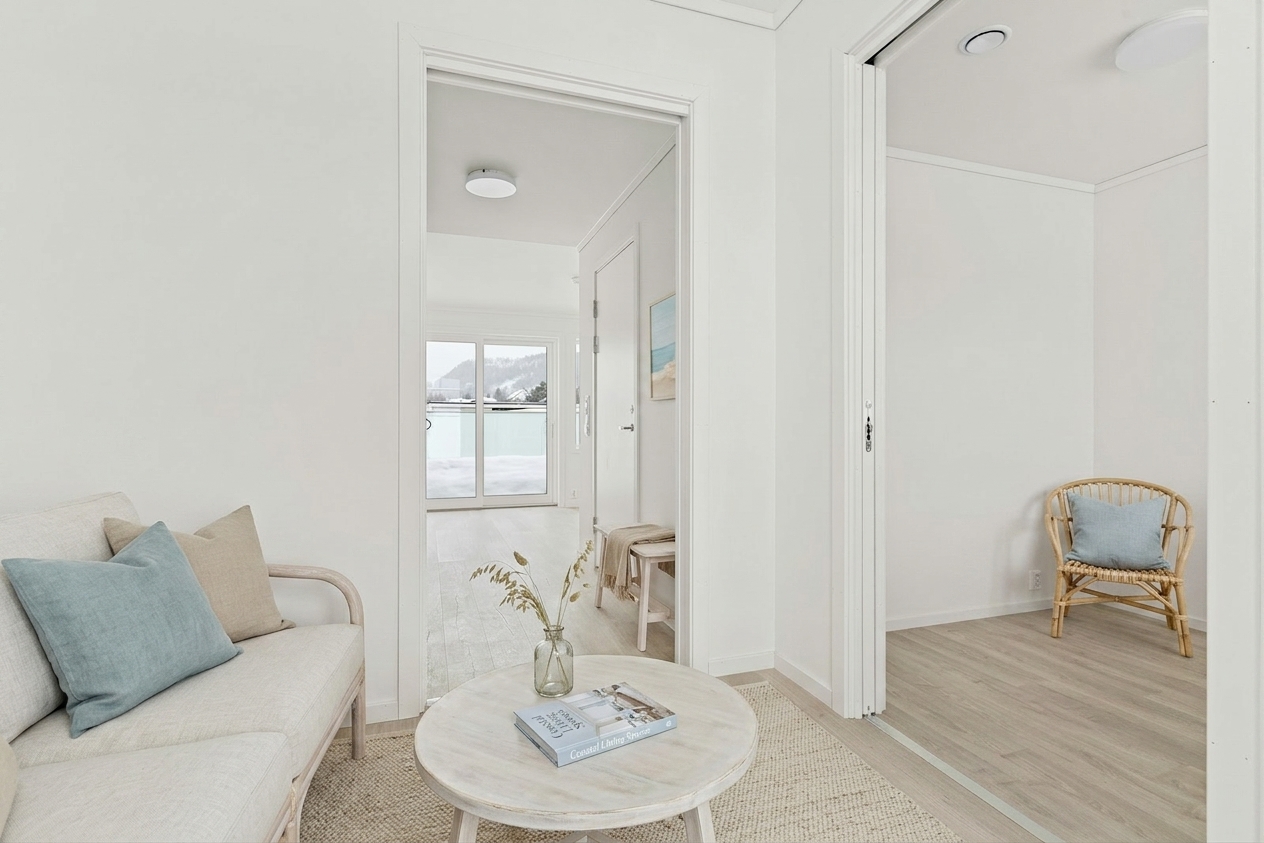
Style-Lock batch staging
Pick one furniture style once. StageOnce applies it across every photo in a listing — living room, primary bedroom, dining room — so buyers see one coherent, professionally staged home instead of a patchwork of mismatched furniture from photo to photo.
MLS disclosure kit
Virtual staging disclosure requirements vary by MLS. StageOnce includes an optional "Virtually Staged" watermark for boards that require it (e.g. ARMLS), copy-paste disclosure text for your MLS listing fields, and a side-by-side original + staged export for California AB 723 compliance.
Declutter and day-to-dusk included
Two more one-click modes ship with every plan: empty an occupied room down to bare walls and floors (fixtures untouched), or convert a daytime exterior or interior shot into a warm twilight photo. Same quality gate on every render.
Built-in quality gate
Every render is automatically compared against your original photo before it's shown to you. Architecture, windows, and flooring must match the source — if a render drifts, it's re-generated automatically rather than handed to you broken.
Frequently asked questions
Is this really free?
Yes — you get a limited number of free renders per day with a StageOnce preview watermark, no signup required. Full listings (up to 30 photos, no watermark, disclosure kit) are part of the paid Listing Pack.
Do I need to disclose virtual staging?
In most cases, yes. Most MLSs require a text-field disclosure noting the photo is virtually staged. Some boards go further — ARMLS, for example, requires a visible watermark on the image itself. California's AB 723 requires a written disclosure statement plus a link to the unstaged original photo. Requirements vary by MLS and state, so always confirm your board's specific rule — StageOnce's disclosure kit gives you the watermark, disclosure text, and original-photo export to cover the common cases.
How is this different from other AI staging tools?
Most AI staging tools render one photo at a time, so the couch in your living-room shot doesn't match the couch in your family-room shot from the same listing. StageOnce locks one furniture collection and applies it across your whole listing, so every room looks staged by the same designer.
How long does a render take?
15–45 seconds per photo. For comparison, human virtual staging services typically take 24–48 hours turnaround and charge $16–79 per photo.
What happens to my photos?
Your photo is resized in your browser, then sent to our AI rendering provider (Google's Gemini API) solely to generate the staged image. We never sell your photos or use them for advertising. See our privacy policy for details.
Can it remove furniture or make twilight photos too?
Yes. "Empty the room" strips all furniture and clutter while keeping walls, floors, and fixtures exactly as photographed — useful before staging an occupied listing. "Day to dusk" converts a daytime shot into a twilight photo with warm window glow. Both run through the same quality gate as staging.
Can I use my own furniture instead of AI-generated furniture?
Not yet — StageOnce currently generates furniture and decor in the style you choose. Custom furniture catalogs are on the roadmap.
Ready to stage the whole listing?
One locked style, up to 30 photos, disclosure kit included — for one transparent price.
See pricing